Order Number: W1654517300
|
Set up your new iPhone with help from a Specialist.

|
Jump into an online Personal Setup session.
Talk one-on-one with a Specialist who will walk you through setup, or focus on features that can help you make the most of your iPhone. Best of all, you can join whenever works best for you, from wherever you are.
What to do before you start a session.
 |
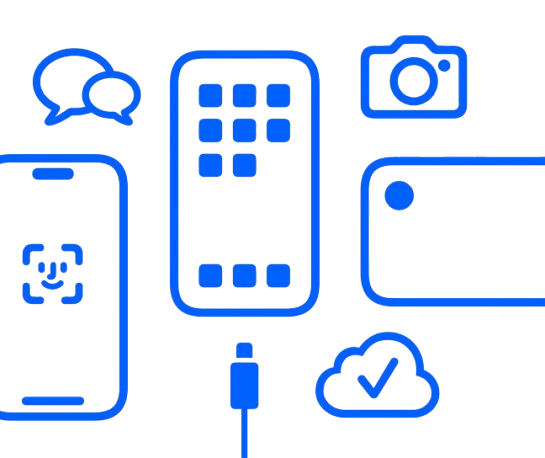
Grab your new device and make sure you're connected to WiFi. |
 |
Make sure you know the email or phone number associated with your Apple Account. Don't have an account yet, or forgot your password? You can create an account or reset your password here. |
 |
Back up your previous iPhone on iCloud to get ready for data transfer. Not sure where to start? Follow our step-by-step guide. |
Want to set up on your own?
Follow a few simple steps to set up and activate your new iPhone, and transfer your information. Then you'll be ready to jump into a Feature Focus session with a Specialist who can teach you how to do more with your iPhone.

Need technical support? There's a link for that, too.
Can't find your Apple Account? Having other technical difficulties? We can help.
Come back anytime.
Save this invitation so you can join new sessions later or get a refresher whenever you'd like. However, if this was a gift for someone else, please forward this email.